Tasky Chat, Conversational Intelligence for Business
Tasky Chat is a web and mobile app for customer service and sales on WhatsApp. AI agents answer questions using the business’s information. The team can manage messages and calls, send personalised campaigns, and take over when a customer needs a person.
A customer might ask about a service, call to discuss the details, and receive a reminder a few days later. Tasky Chat brings those exchanges into one place, so the team can follow the relationship from the first question to the next follow-up.
The idea behind the project is to make automated service easier to manage: give the agent useful business information, make its work visible, and keep the team close to the customer.
One place for the working day
Tasky Chat brings together agents, chats, calls, contacts, a shared inbox, and campaigns. The team can prepare an agent, review its conversations, and handle requests for help in the same app.
For example, an agent can answer a question about opening hours. If the customer asks for something that needs a decision, the conversation can pass to the team. A campaign can then send a reminder or follow-up to selected contacts.
Each part has a clear job. Contacts identify the customer. Chats hold the exchange. Calls record what happened by voice. The inbox collects requests that need human attention.
Give the agent your business knowledge

An AI agent is an assistant that uses the business’s information and connected tools to help customers. The team gives it instructions about how to respond and the knowledge it needs to answer questions.
Those are maintained separately. “Keep replies brief” is an instruction. Opening hours, prices, and a delivery policy are business information. Separating them makes routine updates easier.
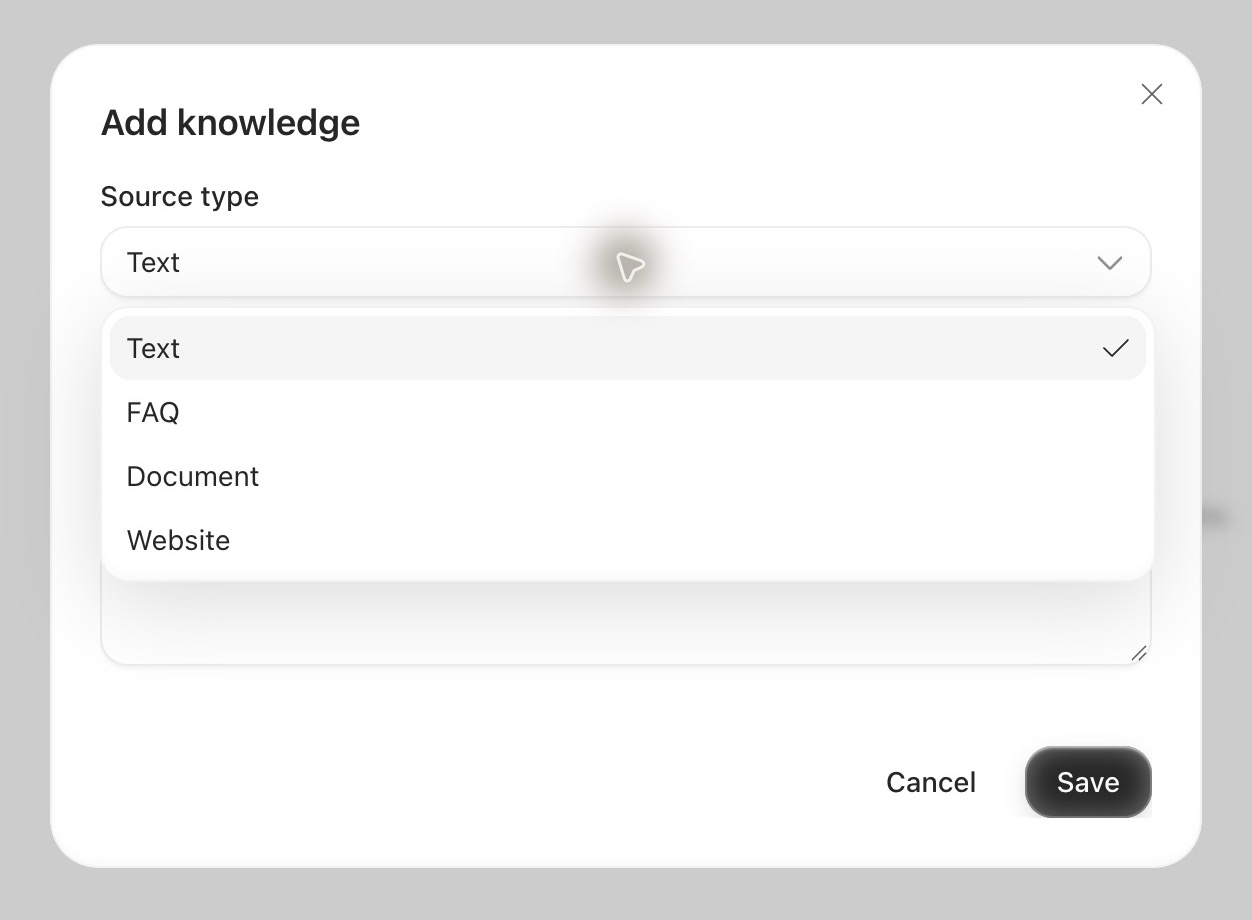
The knowledge base accepts text, FAQs, documents, and websites. A separate catalogue holds products and services, including their commercial details. A price can be updated in the catalogue without rewriting the agent’s instructions.
Test answers before publishing
The Playground is a place to try the agent before connecting it to customers. Ask a question, read the reply, and adjust the instructions or knowledge if something needs to change.
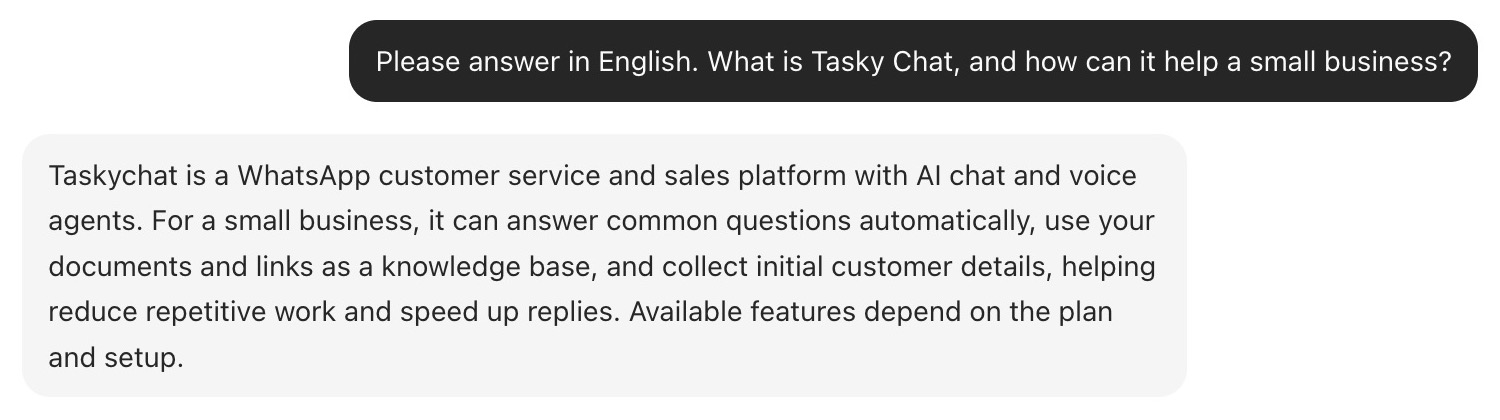
This short feedback loop helps catch practical issues: a reply that is too long, a missing detail, or a question the agent should ask before continuing. Testing sits alongside configuration, so moving between the two takes little effort.
Handle WhatsApp calls together
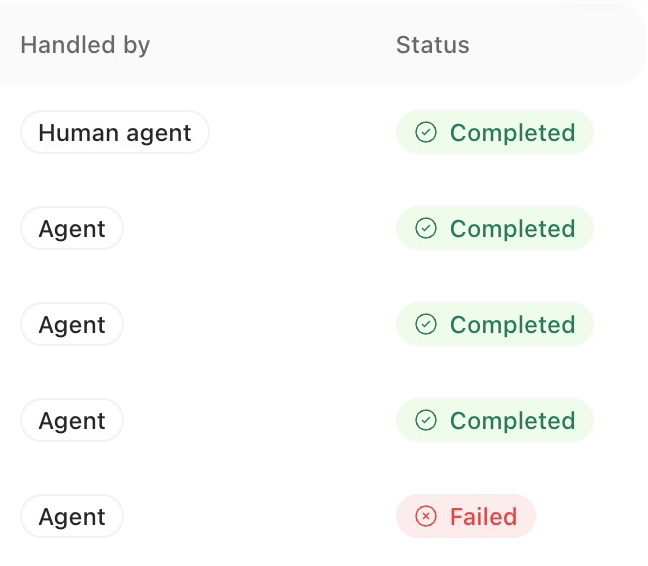
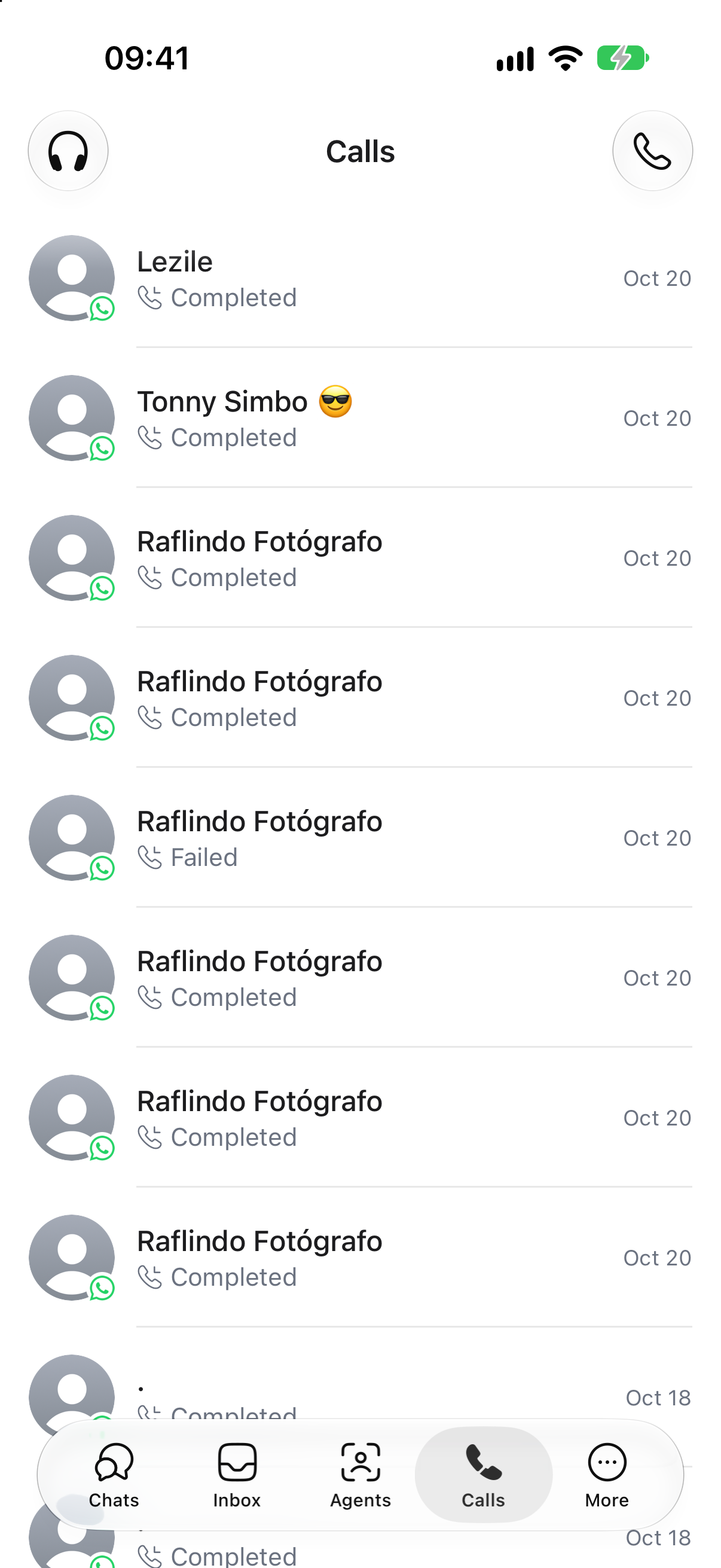
Tasky Chat supports incoming and outgoing WhatsApp calls when the connected number and provider allow them. The call log shows the contact, who handled the conversation, and whether the call completed or failed.
A team member can listen to a live call, take over from the AI agent, and choose when to speak. Once in control, they can mute, transfer, or end the call. Transfers can include a reason to help the next person or team pick up the conversation.
Listening and speaking have separate controls. Someone reviewing a call can understand what is happening before joining the exchange.
Try the sample below: listen, take over, then speak or transfer the call. Open the summary, transcript, and timeline to review its history.
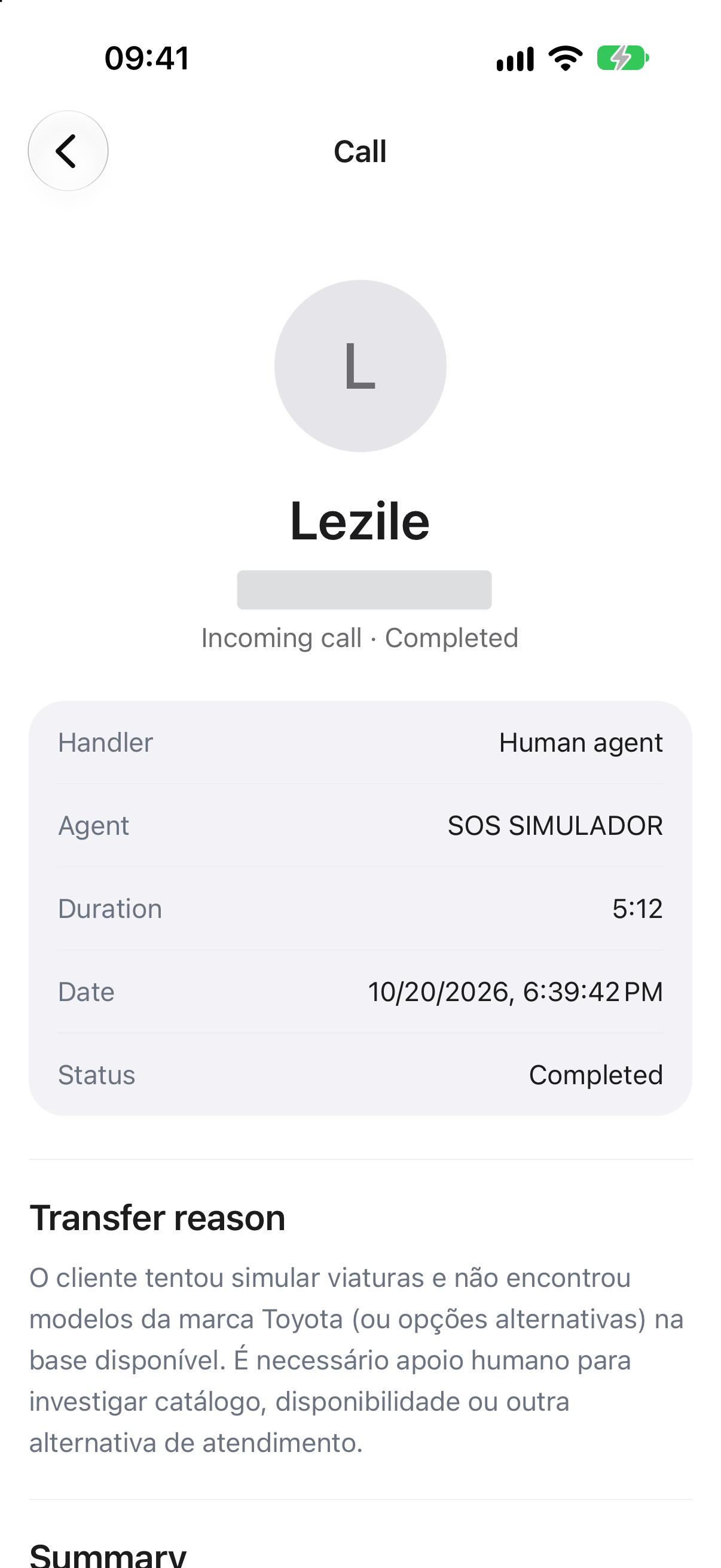
After a call, the detail view can include a recording, a summary, a transcript, and a timeline, depending on what is available. The summary helps the next person catch up; the transcript and recording let them check the exchange in more detail.
Send personalised campaigns
Campaigns let a business send a message to selected contacts, with personal details for each recipient. They can be used for reminders, follow-ups, or announcements.
Start with a template: a reusable message format approved by WhatsApp. Select the recipients and fill in the message’s variables. A variable might be a customer’s name, the service they booked, or an appointment time. Contact fields can supply those details, with default values for missing information.
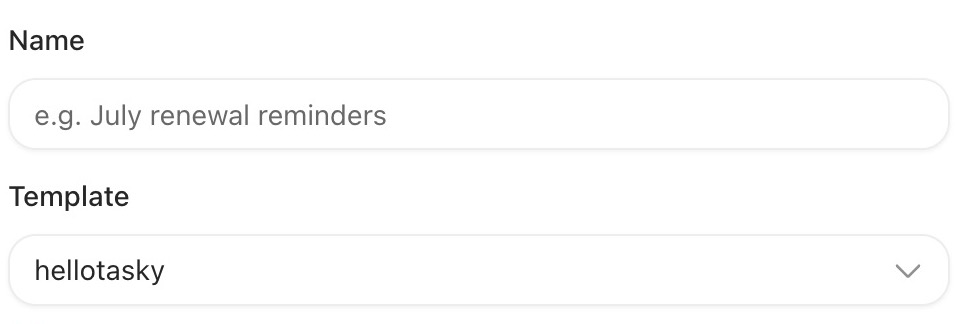
The preview shows how those values appear in the message. In the example below, change the recipient, service, or appointment to see the result. You can also edit the sample text and try the quick replies.
The editable message here is a demo. In the product, campaign templates go through WhatsApp’s approval process. A campaign can be saved as a draft, sent, or scheduled for later. Templates can also include supported media and action buttons.
See what happened after sending
Sending a campaign is only the first step. Tasky Chat tracks each message as Queued, Sent, Delivered, Read, or Failed. The campaign detail combines overall counts with individual recipients and their timestamps.
A message can be sent without having reached the recipient yet. Delivery confirms that it arrived; a read receipt shows that WhatsApp reported it as read. If a message fails, its status can reveal the provider’s error reason and code.
Select a status in the example to see what it means, or advance through the delivery sequence.
Connect tools and automate follow-ups


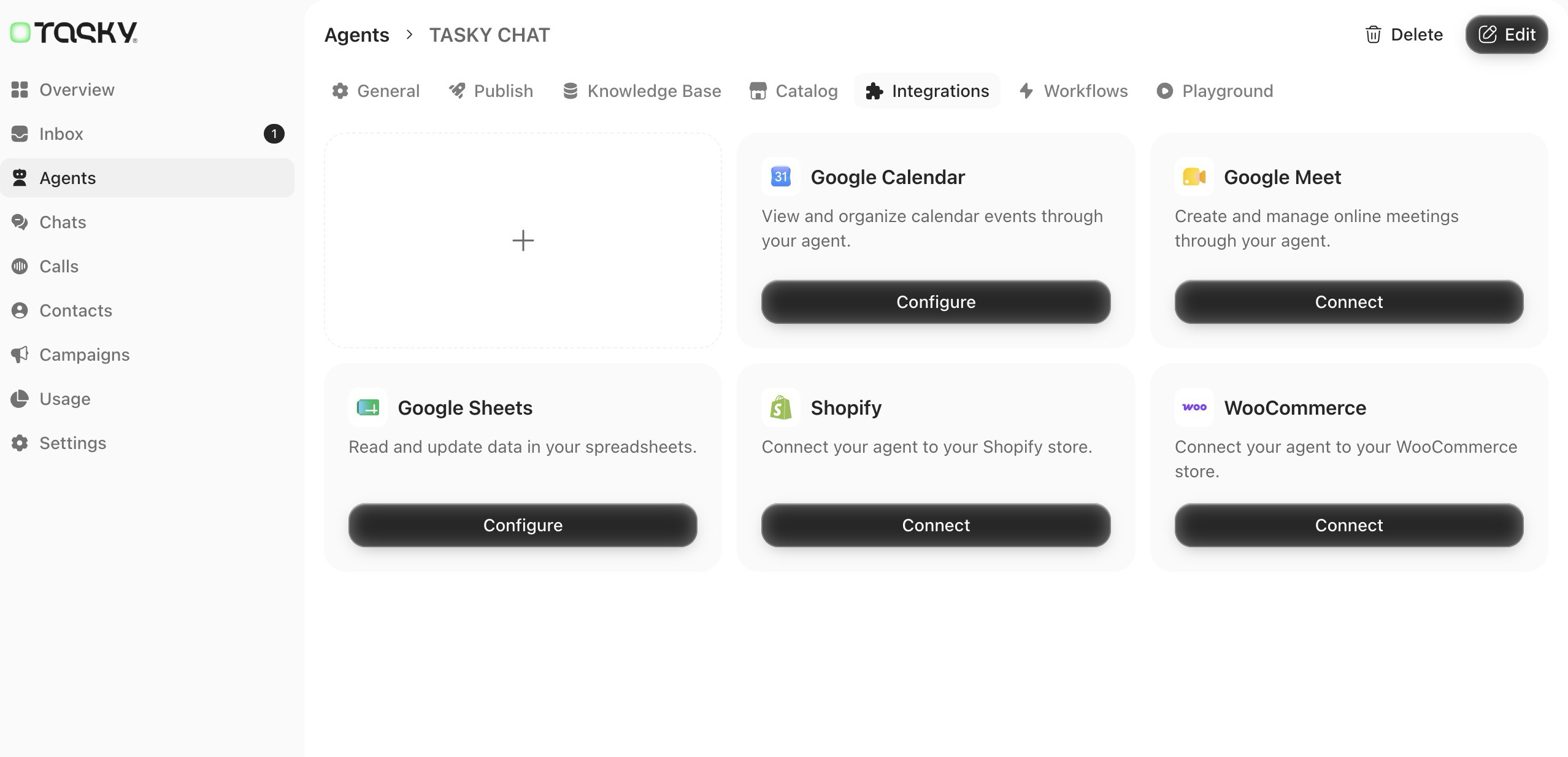
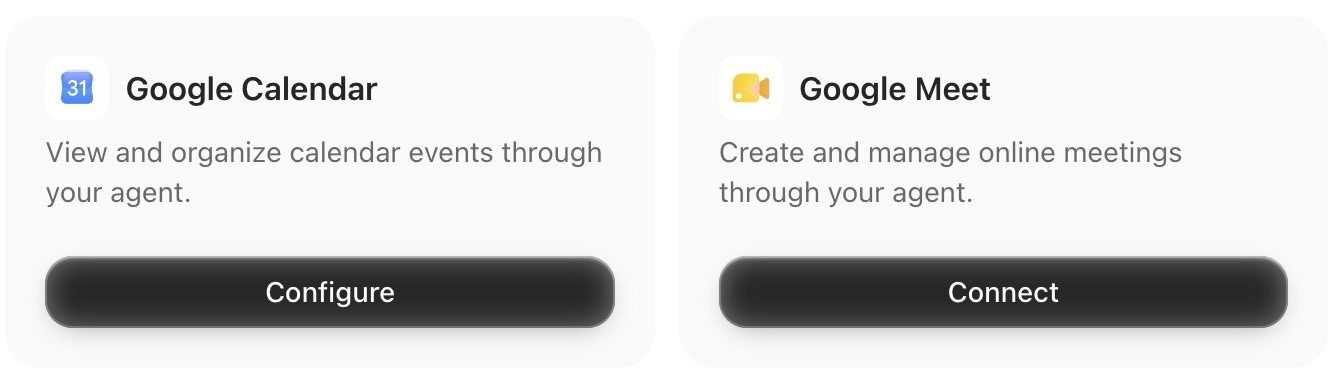
Some customer requests need an action as well as an answer. Tasky Chat offers integrations with Google Calendar, Google Meet, Google Sheets, Shopify, and WooCommerce. The actions available to an agent depend on which services are connected and how they are configured.
Workflows organise repeatable tasks into steps: a trigger starts the flow, conditions choose a route, and messages, actions, or waits determine what happens next. A follow-up can have a defined sequence while the agent handles the conversation around it.
When the agent is ready, the team can connect a WhatsApp number in Publish.
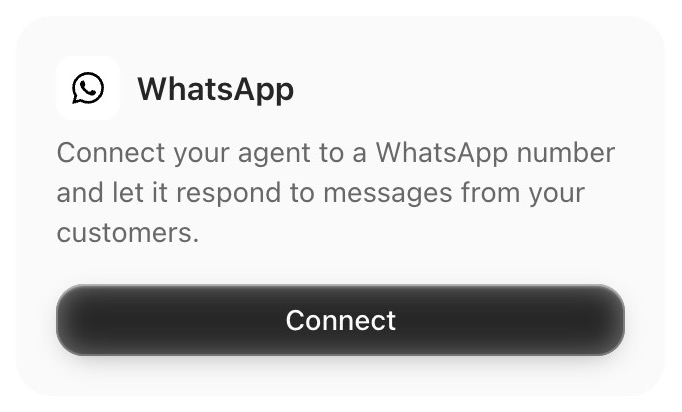
The separate Phone, Messenger, and Instagram publishing options are marked as coming soon in the version shown here. The calling features described above use WhatsApp.
Bring in a person when needed
Some requests need judgement: an exception to a policy, an unusual problem, or a customer who wants to speak to someone. Tasky Chat can pass these conversations to the team and collect requests in the shared inbox.
A handoff can include a summary, helping a teammate understand what the customer needs and what has already been discussed. Members and teams help organise who can respond. Calls can also be transferred to a person or team.
Keep working from your phone
Tasky Chat’s mobile app gives the team access to conversations, calls, agents, and campaigns away from the desk. The iPhone version organises these tools into five tabs: Chats, Inbox, Agents, Calls, and More.
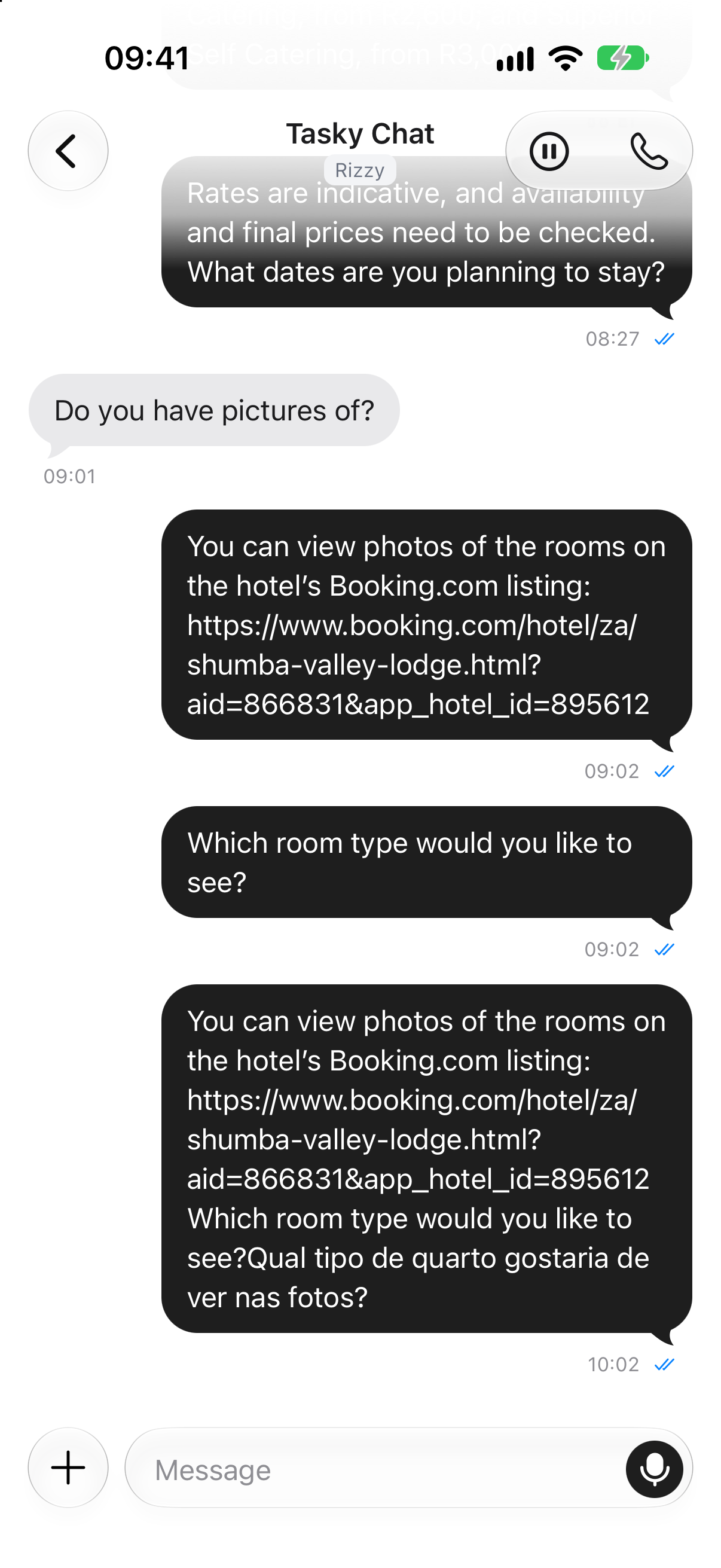
In Chats, the list shows the contact, assigned agent, latest message, and read state. Search and filters help find a conversation. Opening it reveals the exchange and a composer for text, attachments, and voice messages.
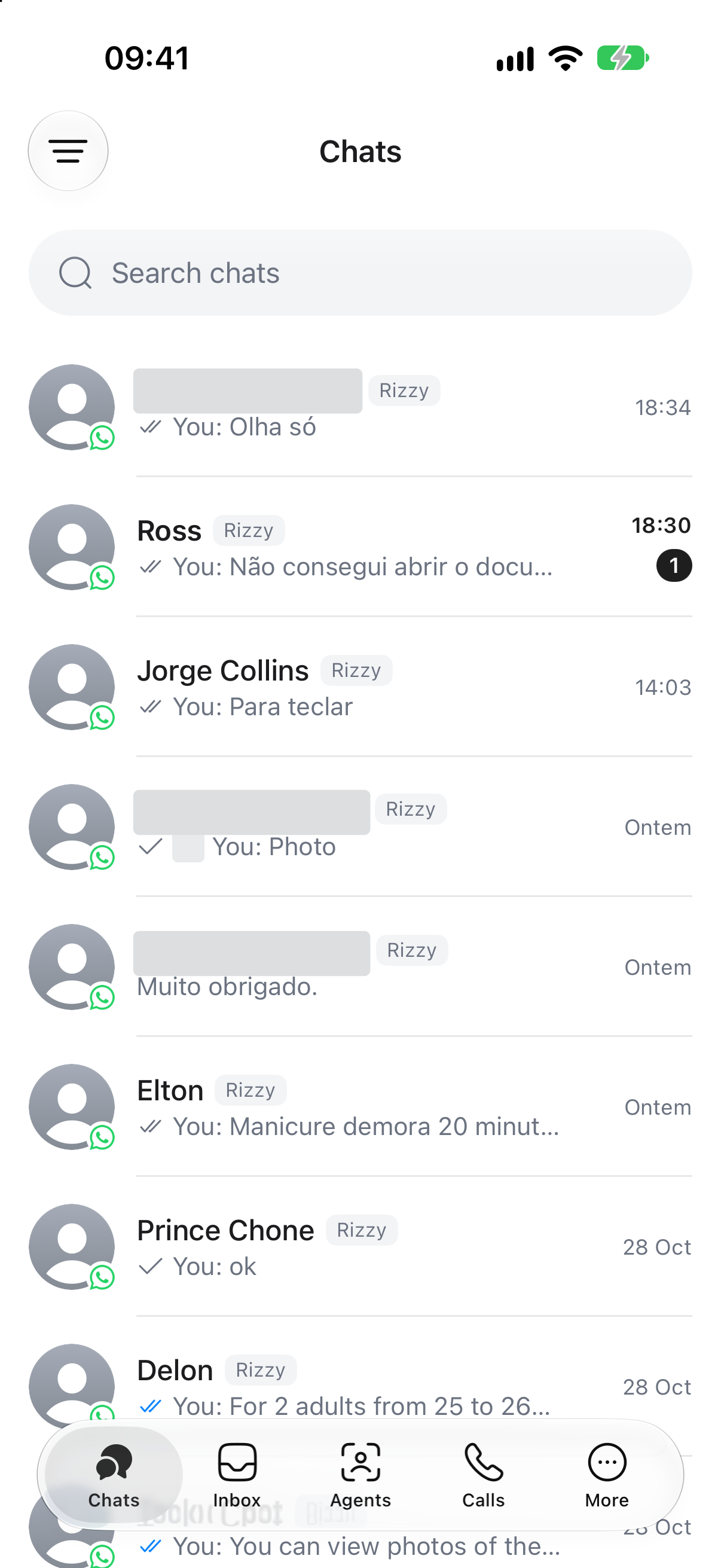
Calls has its own history. Open a record to see the handler, agent, duration, and outcome. If it was transferred, the reason explains why someone needed to step in.
The app also provides access to agent configuration, including knowledge, integrations, workflows, and the Playground. Under More, the team can find campaigns, contacts, templates, usage, and settings. The campaign list shows each campaign’s status and template, with a route into its details.
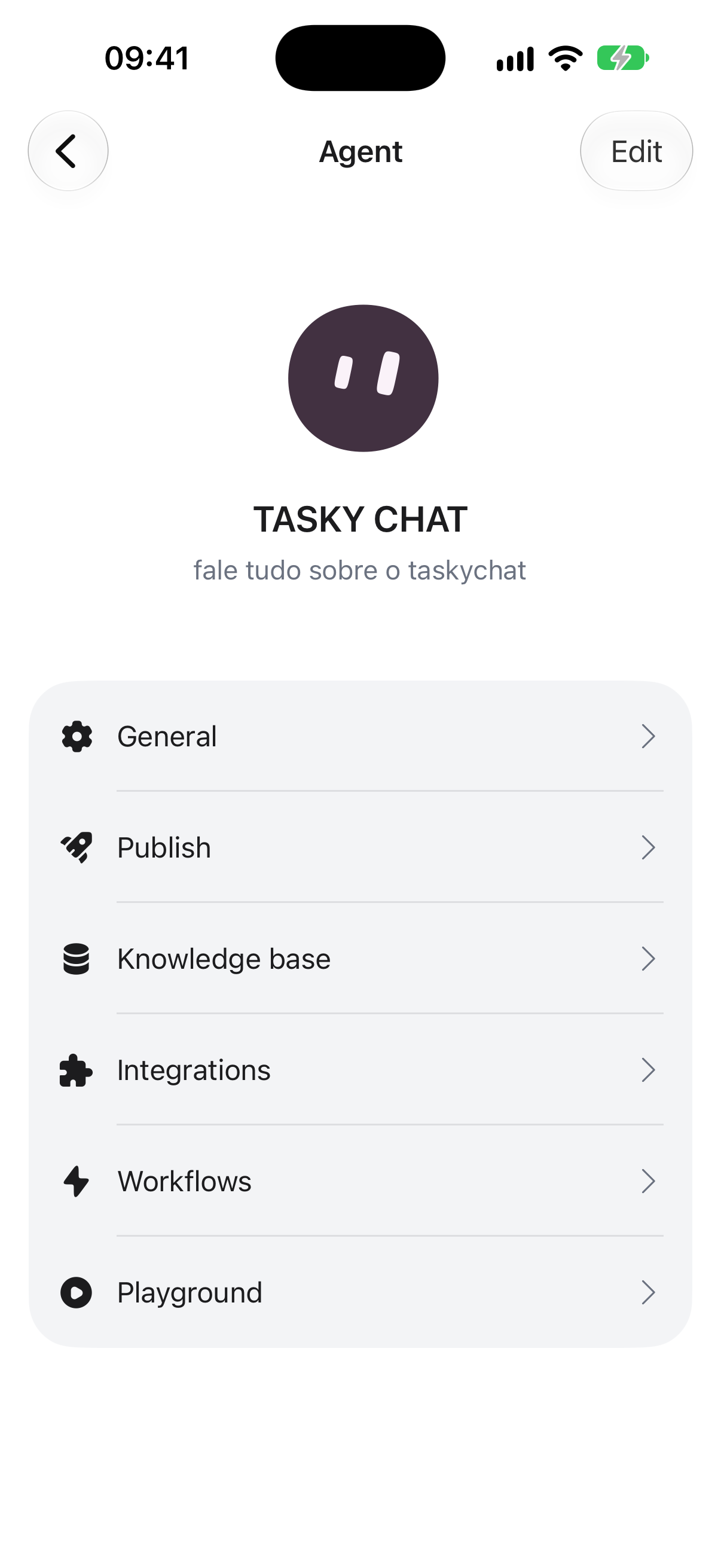
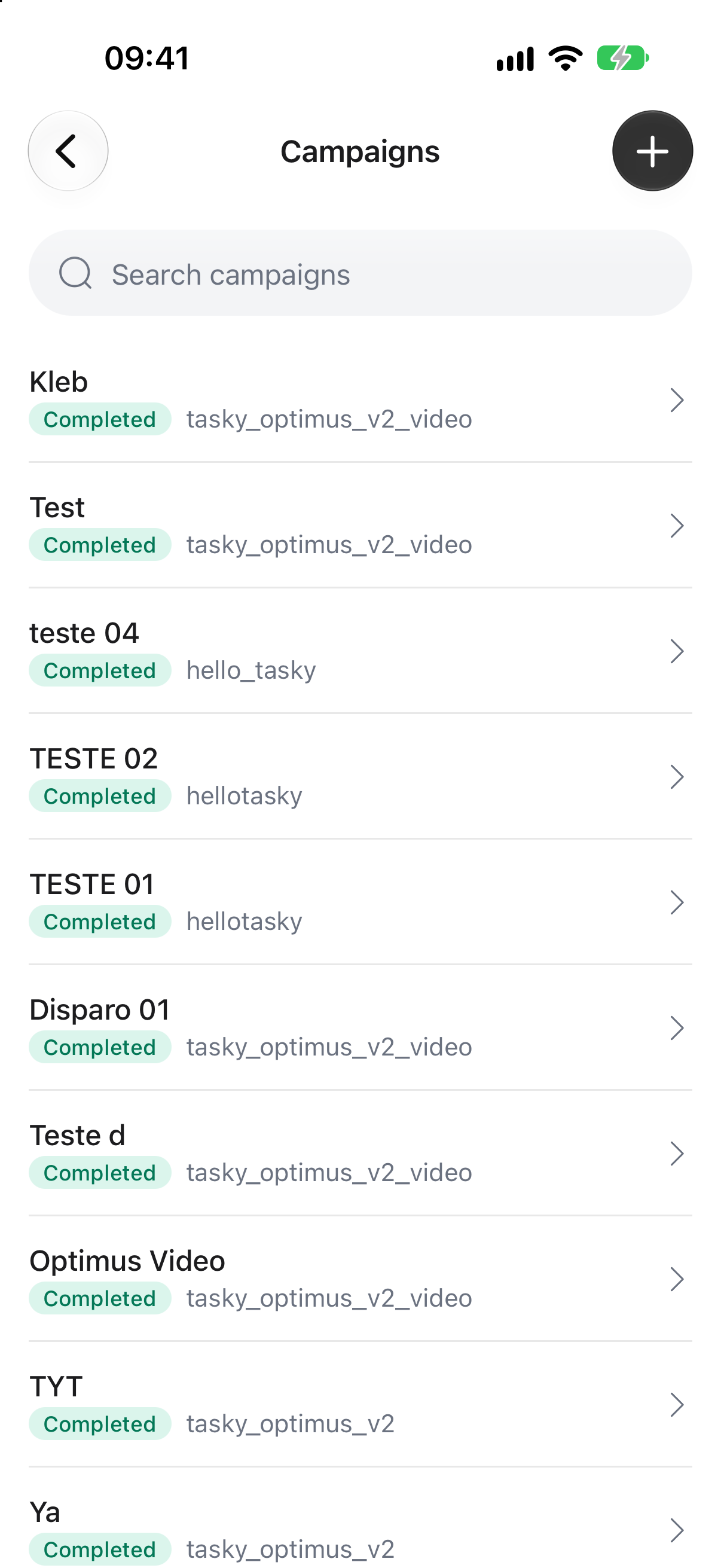
These captures show the running iOS app in the simulator. The mobile app is built with Expo and React Native and connects to the same backend as the web app.
Built to stay responsive
The web app keeps supported workspace data locally and synchronises it with the server in the background. Previously loaded information can be read without waiting for another network request, and supported local changes can be queued for synchronisation when the connection returns.
Sending a WhatsApp message, placing a call, or using an external service still needs a connection.
The web frontend uses React, MobX, and IndexedDB. The backend uses NestJS, PostgreSQL, Redis, and background workers. Together, they support local interaction, stored conversation history, background tasks, and updates across the team.
Visit taskychat.com to learn more.