Robin, Your Job Search Assistant
Finding a job means carrying the same information through a lot of different places. Your experience lives in a CV. Your preferences live in search filters. Each application asks you to bring those pieces together again.
Robin is a job search assistant for mobile and web. It helps build a career profile, find roles, prepare application documents and submit applications automatically. A timeline keeps the work visible as it happens.
The idea is to carry your experience into the next application, without starting from scratch.
Begin with a conversation about your experience
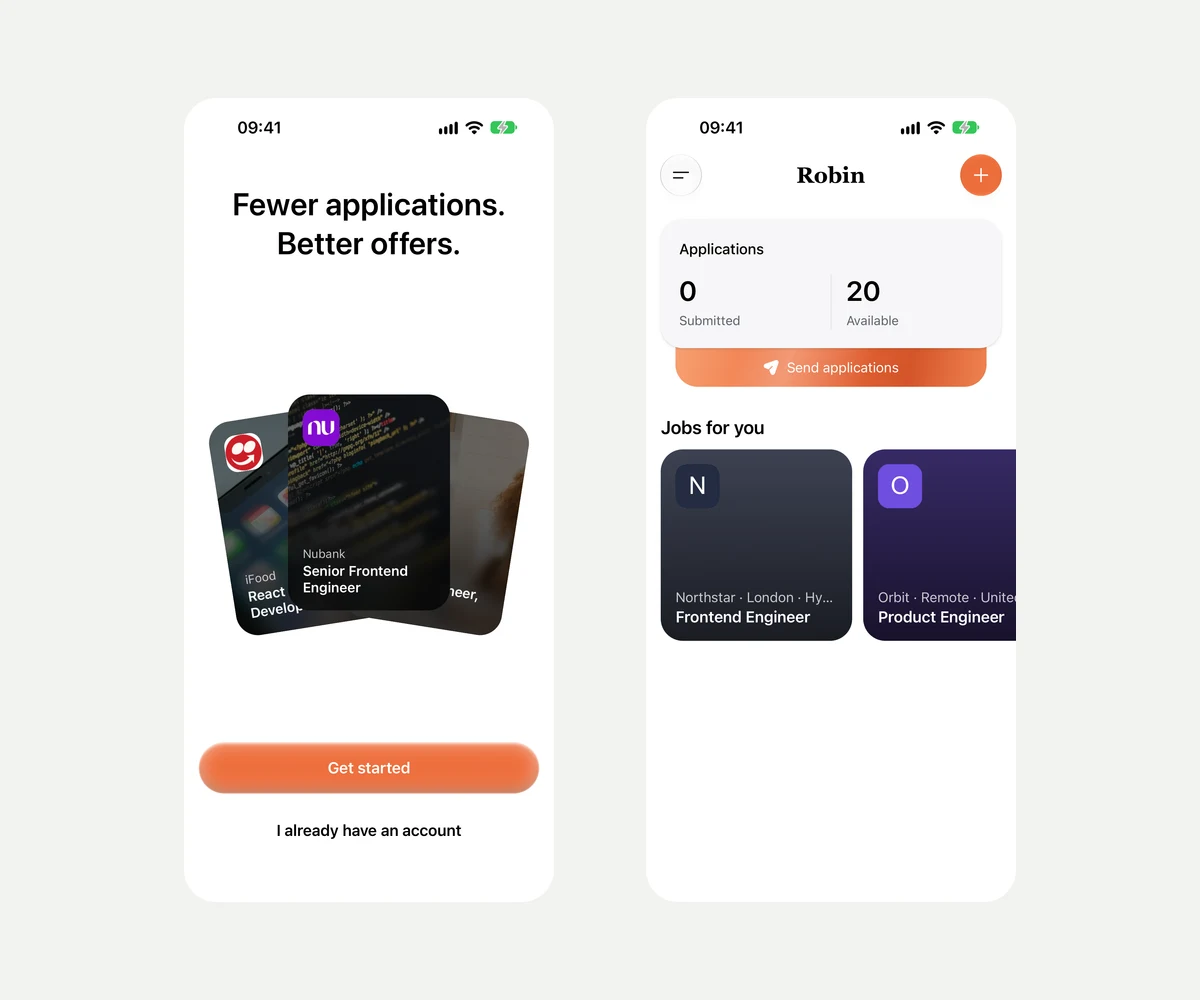
The mobile app opens with a simple choice: get started or return to an existing account. Email sign-in uses a six-digit code, keeping the login flow short.
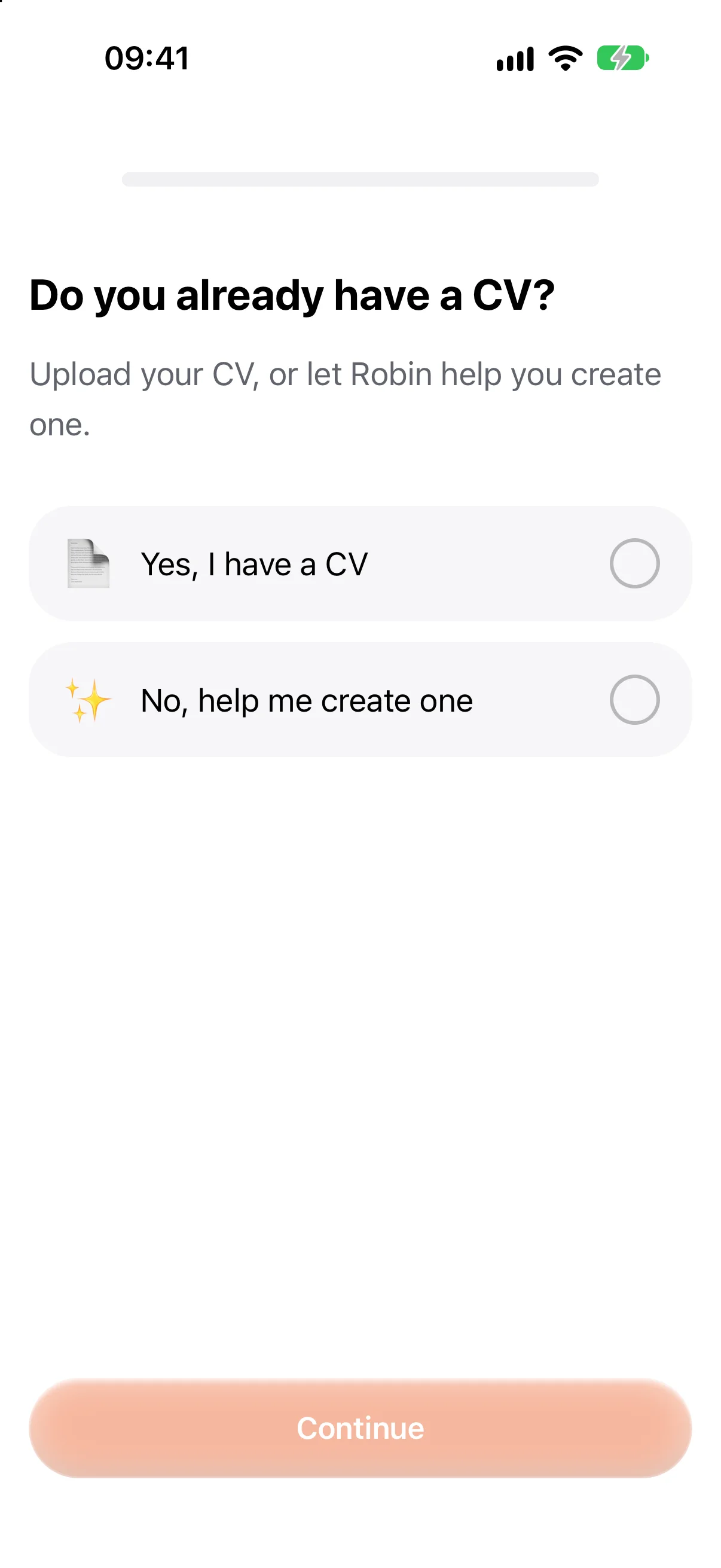
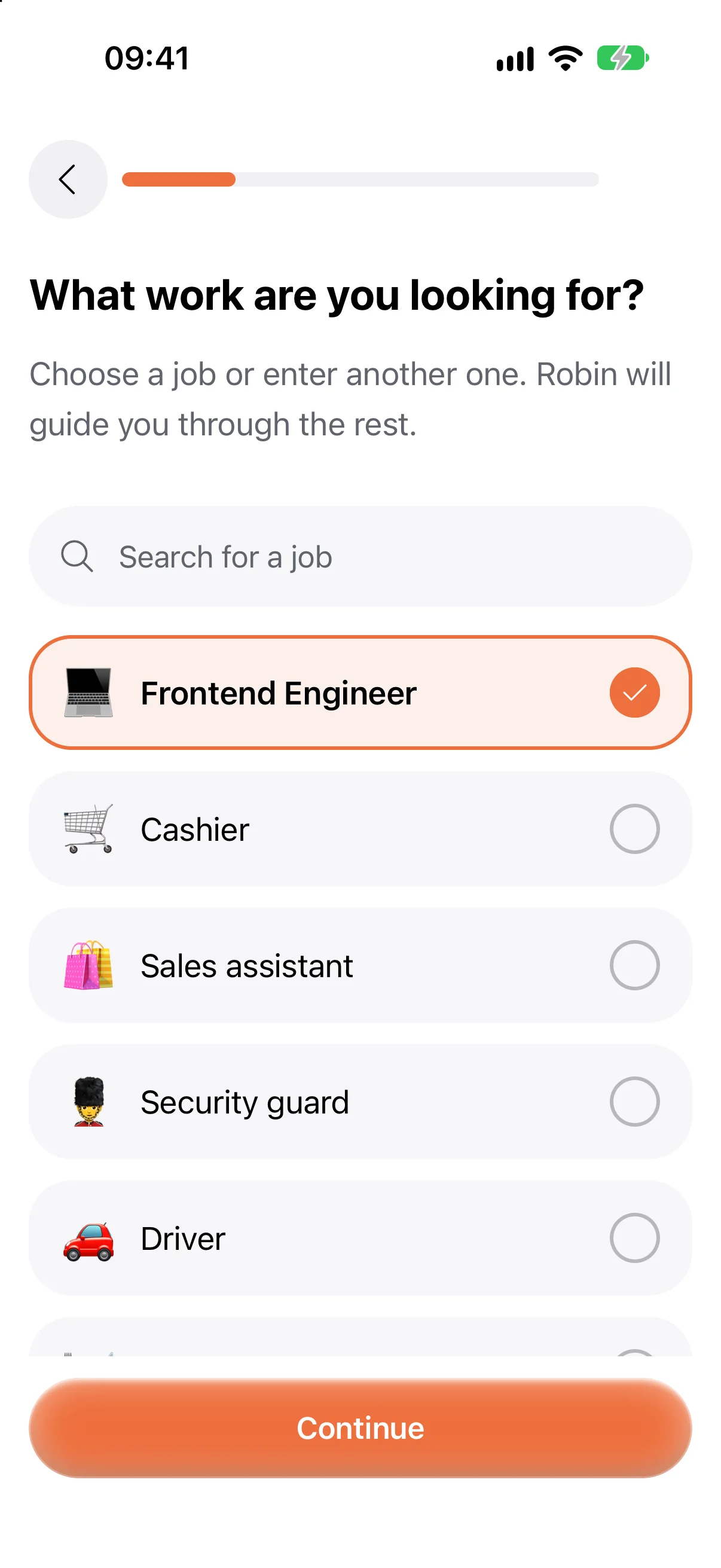
Setup then asks whether you already have a CV. Upload one to start from an existing document, or let Robin help create one. The second route breaks a blank page into smaller questions: where you live, the work you want, what you studied and what you have done before.
Previous experience does not have to mean a formal job. The questionnaire also makes room for informal work and activities. Someone looking for their first job can take a different path.
Give the search useful boundaries
Experience explains what you can do. Preferences explain which opportunities make sense for you.
Onboarding collects skills, languages, location and practical constraints such as work authorisation, salary expectations and availability. Some questions adapt to the selected country; optional answers can be skipped.
A role can fit someone’s skills and still be the wrong opportunity. Location, availability and work preferences belong alongside experience.
The recording follows the complete guided setup, from welcome and email login through CV creation and preferences to the first Home screen. Chapters make the longer journey easier to explore.
Keep the CV easy to work on
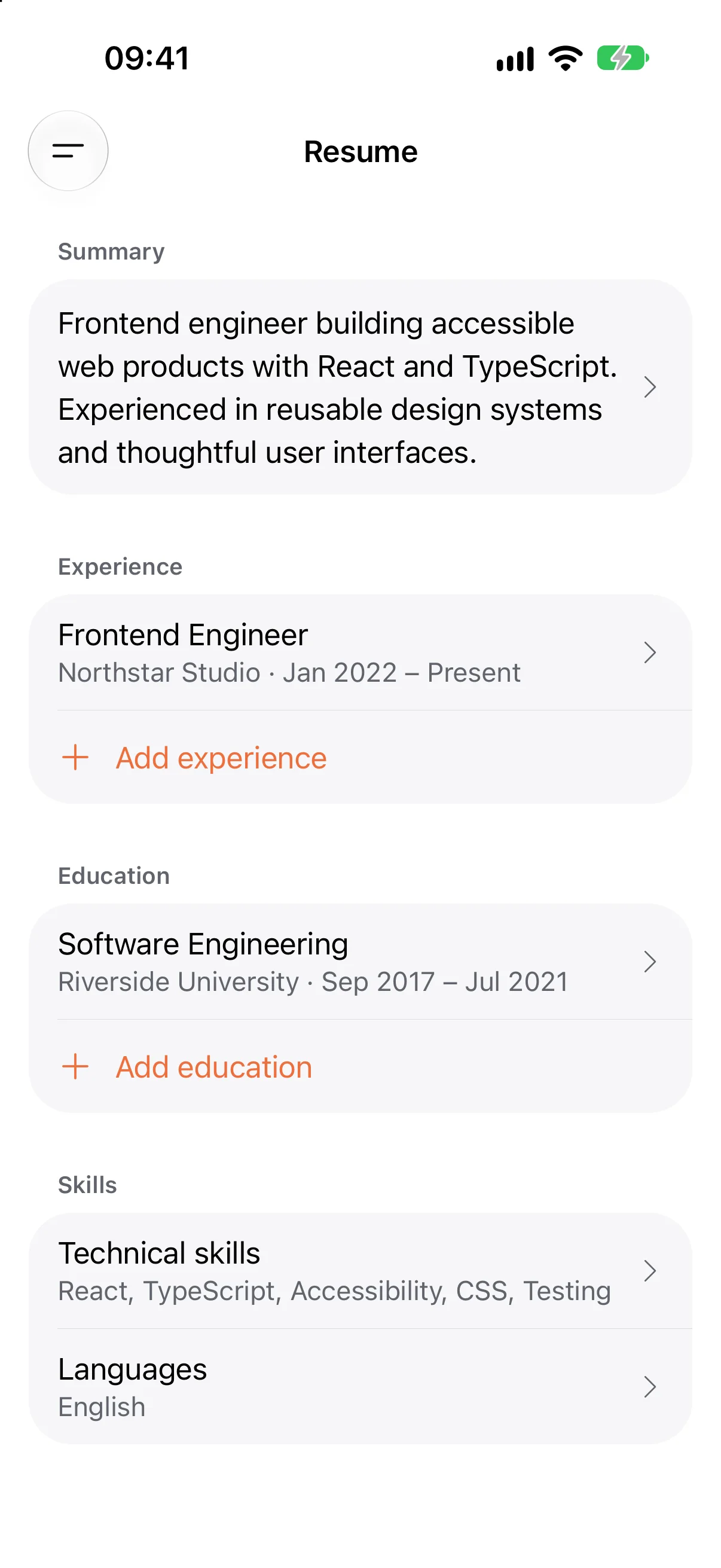
After setup, the CV remains editable. Summary, work experience, education, skills and languages are separate sections, so a small change does not require rebuilding the whole document.
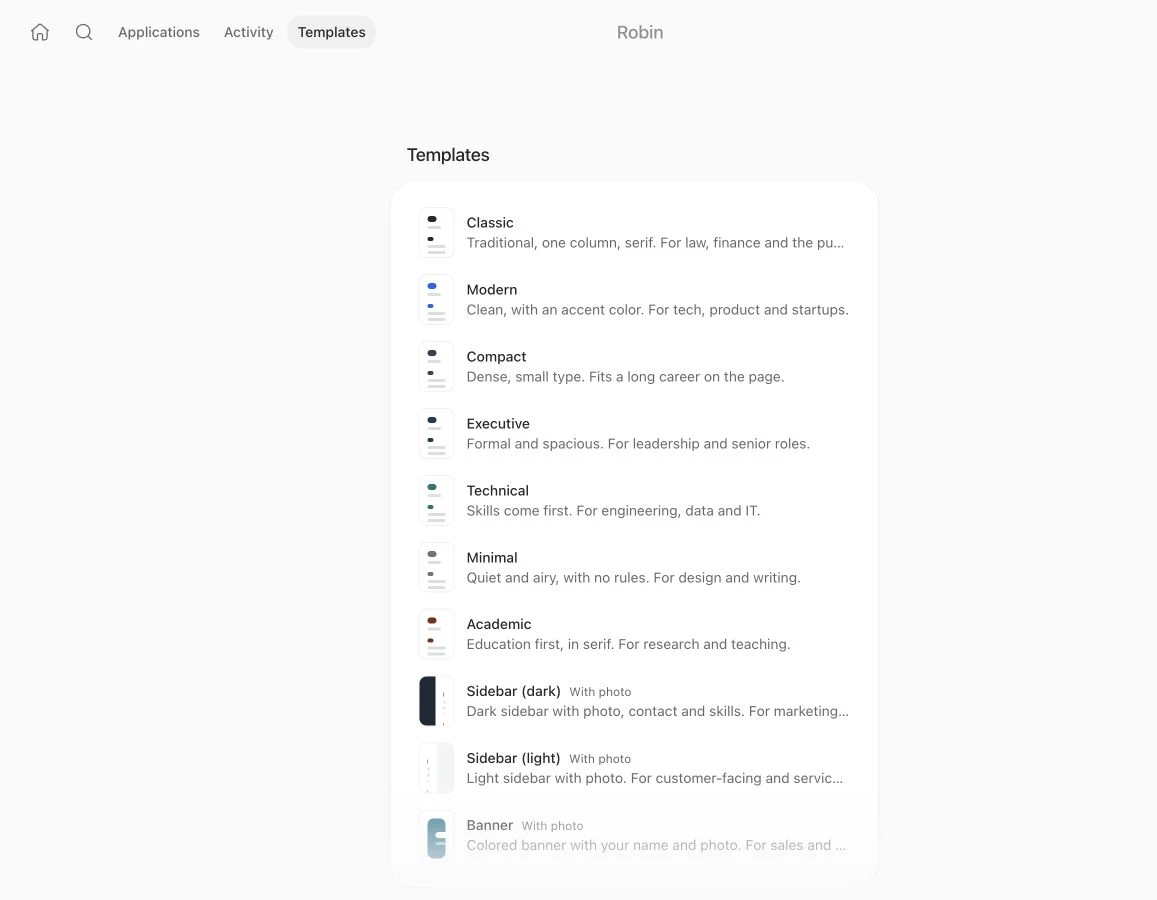
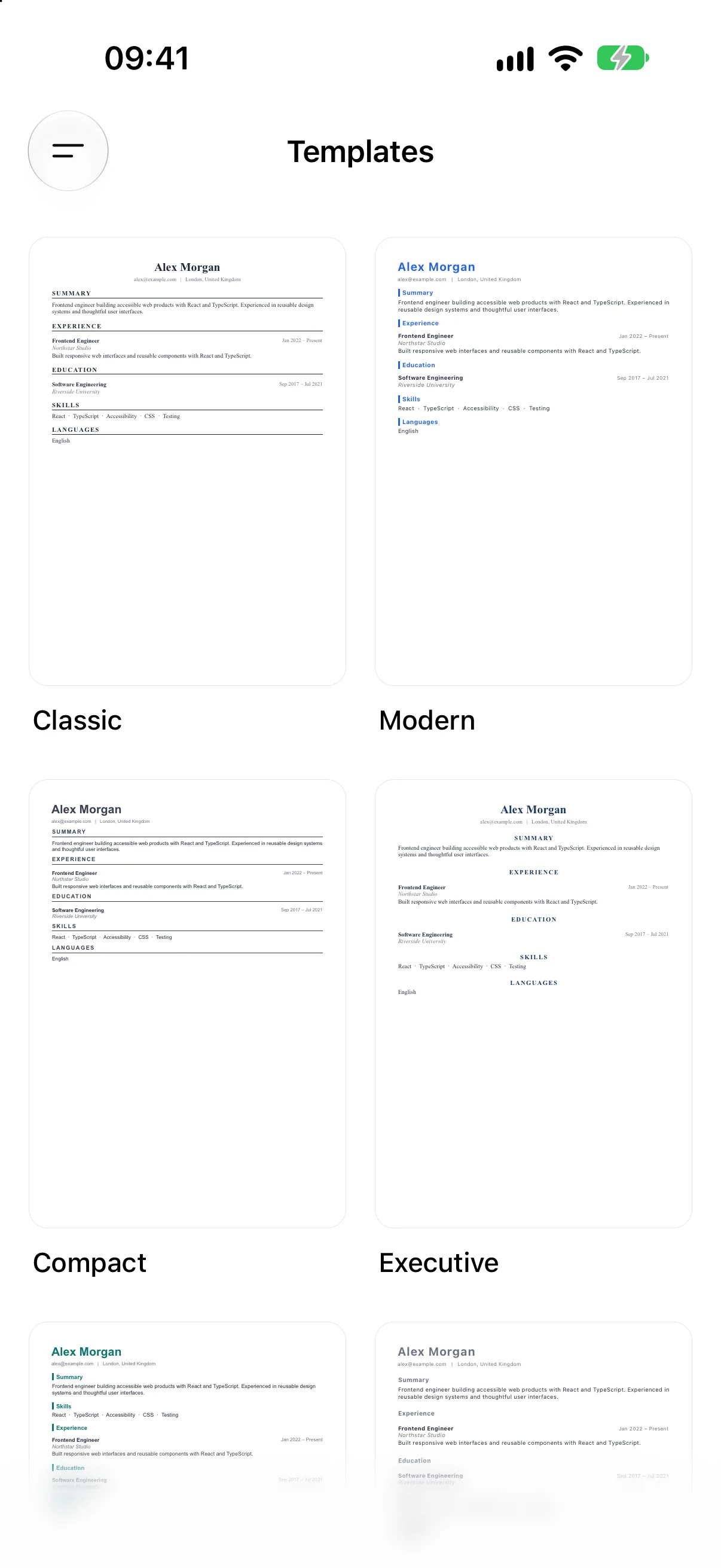
Templates offer different ways to present that information. Classic gives it a traditional structure; Technical brings skills forward; other layouts make room for a longer career, a quieter page or a sidebar.
Find a role worth pursuing
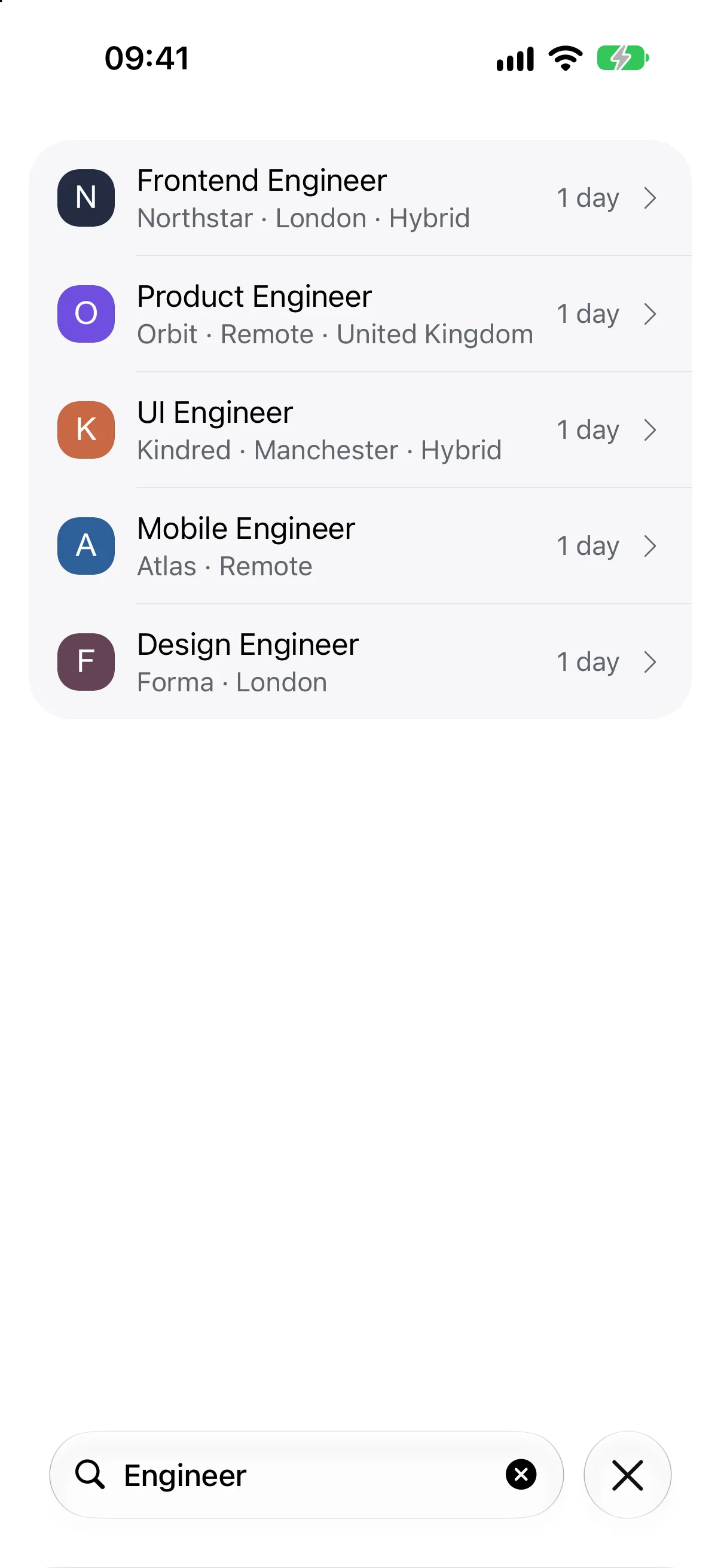
Home brings application counts and recommended roles into view. The jobs catalogue gives the search more room, with filters and a search field for narrowing the list.
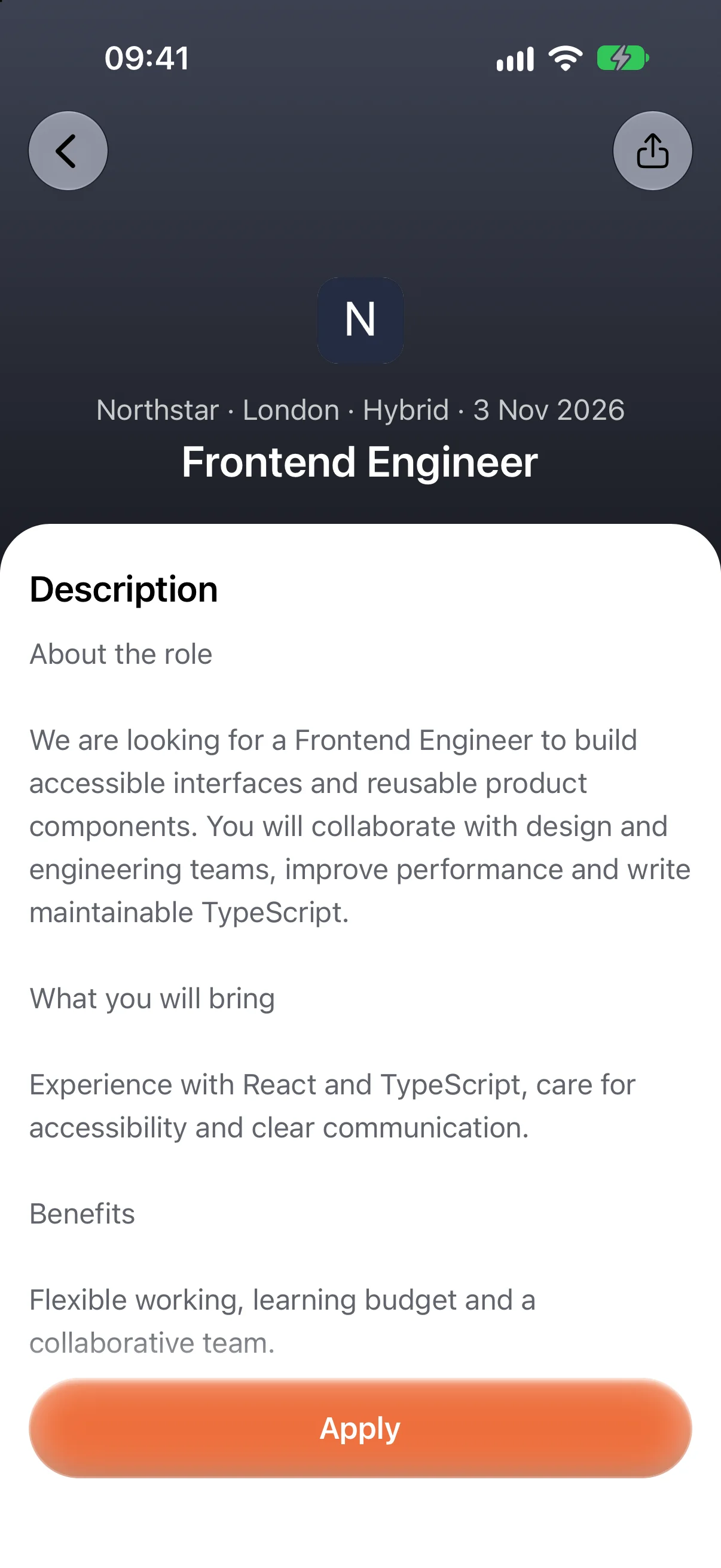
Opening a vacancy keeps the role, company, location and description together. The application starts from that specific role, giving Robin a job description to work with as well as a career profile.

Let Robin prepare and send the application
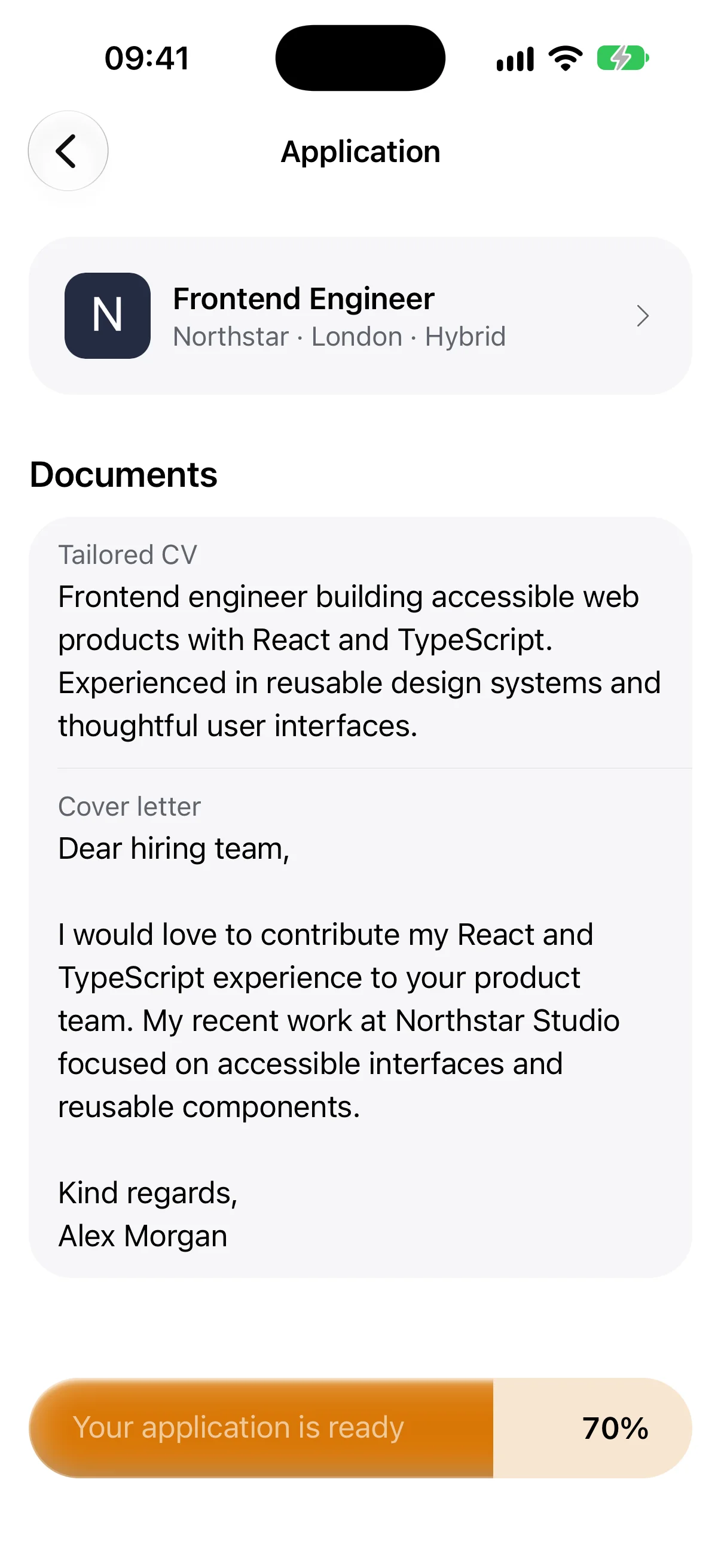
Applying connects three things: the role’s requirements, the candidate’s experience and the information requested by the application form.
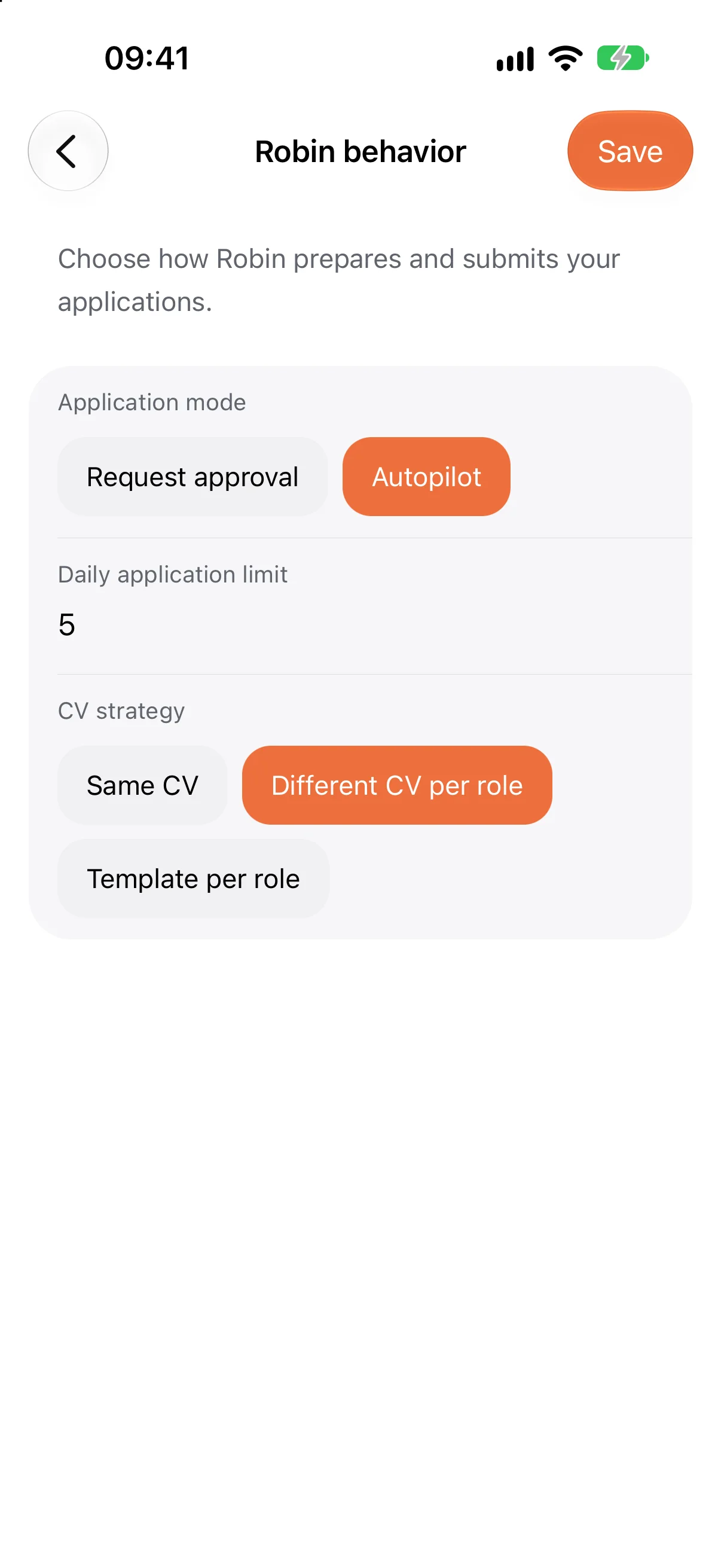
Robin’s automated workflow prepares the application package and works through submission. CV strategies include reusing a CV or tailoring it to a role. The activity screen shows progress while that work runs, then records the outcome.
Make room for a review
The interface also includes approval screens for the match and the prepared package. These are two different decisions: whether a role is worth pursuing, and whether the documents are ready to send.
In this version, automatic processing runs in autopilot. The following recording separately demonstrates the interface’s review screens, using simulated service responses.
Try the two decisions below. Approve the sample match, inspect the tailored summary, then approve its package to see the submission recorded.

Know where an application stands
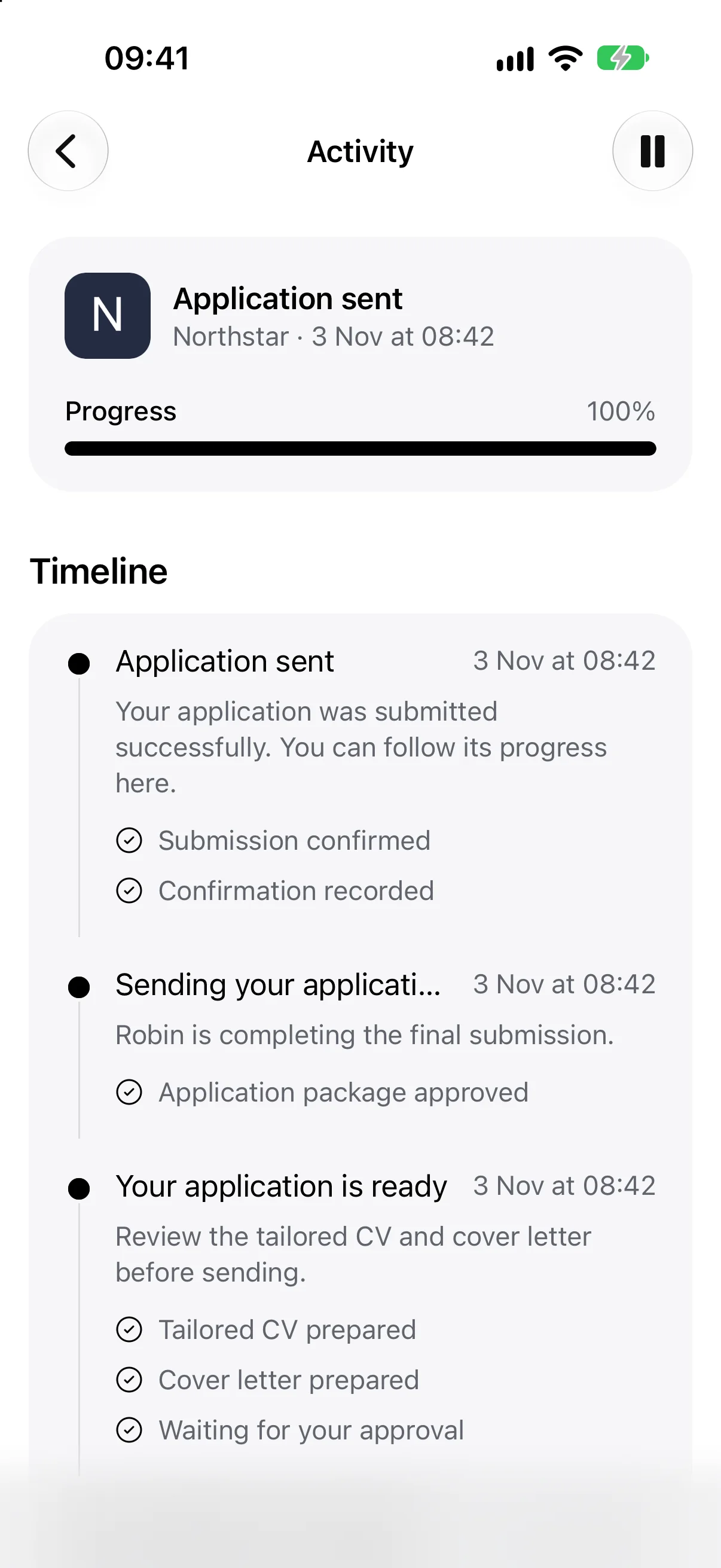
An application is a sequence of actions. The timeline gives those actions a place: preparing documents, waiting for input, sending the package and recording confirmation.
Submission is the end of an application flow, not the outcome of a job search. Keeping that milestone explicit helps someone see what Robin has completed and what still depends on the employer.
Continue on a larger screen
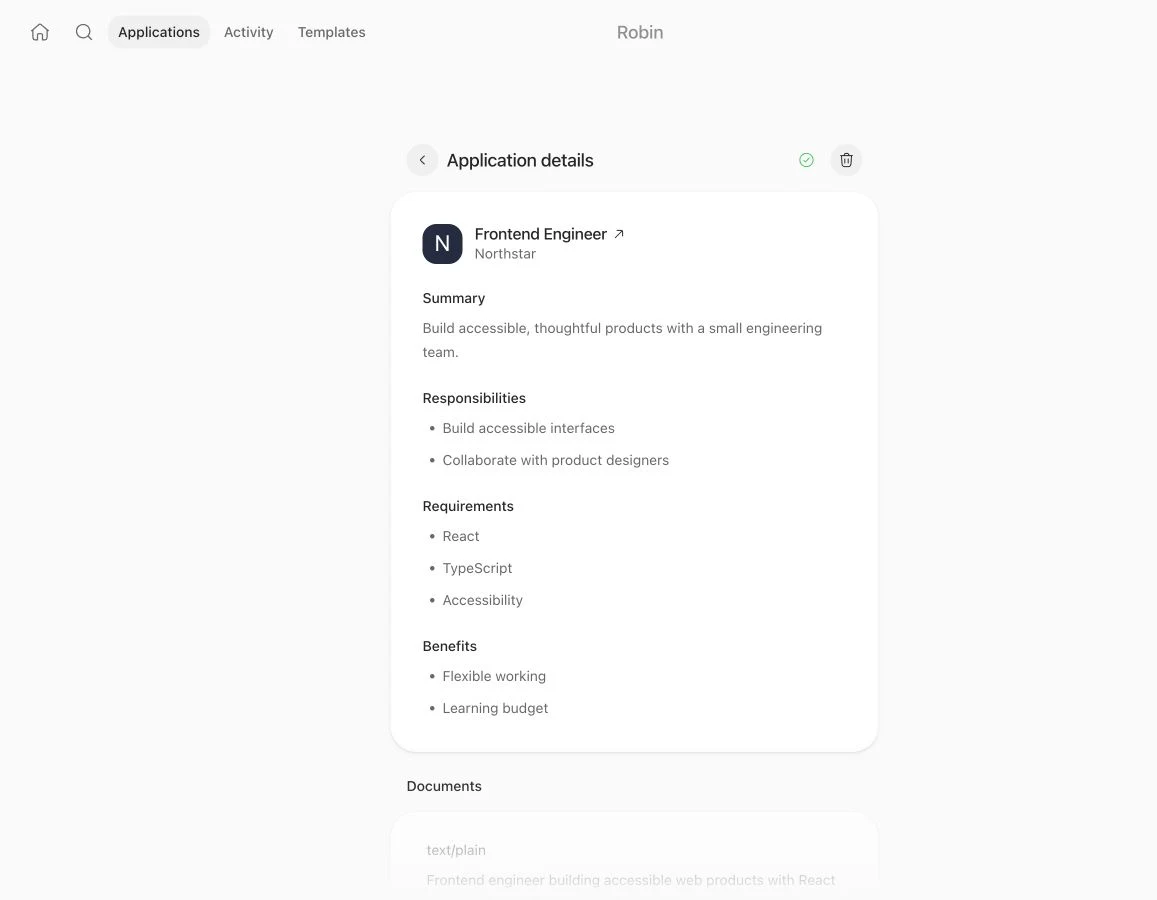
The web app brings the same kinds of work to the desktop: browsing roles, working with CV templates, reading application documents and following activity.
The layout keeps navigation across the top and the current task in a focused central column. Longer descriptions and document sections have room to read, while application status remains close to the role it belongs to.